Showing posts with label stitched panels. Show all posts

Wednesday, 1 March 2017

Wplus9 | Beautiful Bouquet Mums

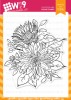
Hello there, well today is another post I'm sharing as apart of one month's guessing with My Mum's Craft Shop. When I was browsing through the owner Kitty's website and notice this gorgeous Wplus9 stamp, it had to be apart of my craft stash as it's such a pretty and stunning stamp that is certainly very versatile to many different occasions.      


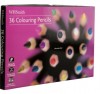
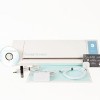
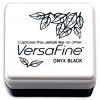
Cut out stitched panel out of neenah white card on the silhouette cameo,  stamped the bouquet image on the stitched panel using my diy stamping tool and versa fine onyx black ink pad, repeatedly stamped image to all four corners of the panel. Coloured in the image with colouring pencils, added little sheer shimmer spray on the flowers, using a paintbrush and acrylic block.   


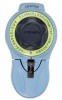
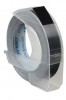
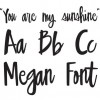
Applied double sided foam tape to back of the panel and adhere to A2 US card blank that I made with a sheet of Crelando black card stock. Cut the word Friend using Megan Font and repeated the cut three times on the silhouette cameo using black card stock, stacked them on top of each other using zig fine glue pen. Added little more zig glue pen to the back of the sentiment and adhered to card just central of the design. Using Dymo label machine I typed out Fabulous and added double sided foam tape to back and placed this just above the word friend. Finally added a few sequins and adhered them Micro glue dots.    


I really enjoyed colouring in using is stunning stamp and really want more Wplus9 stamps in the future. Thank you to Kitty at My Mum's Craft Shop and her talented design team for having me as their guess during February. Do you love flower images too? Enjoy the rest of your day.


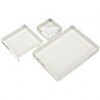
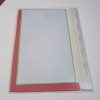
Interested in the products used, I've prepared a list below of the stores used simply click on the image or wording to be taken to the stores used. No affiliate links used.  
Saturday, 16 July 2016

How to create stitched panel on the Silhouette Cameo


Hello there, well I'm back today with something a little bit different than a card, I thought I'd create tutorial on how you can create those gorgeous stitched effect panels without having to purchase those rather expensive dies and create them on your silhouette cameo. 

I love the stitched panel look at moment, which is bang on trend at the moment and I love them so much and if you have been following me over at Instagram over past few weeks, You would've seen me cutting out loads of these at a time. You can fit four panels for a A2 (US size) card blank on one sheet of A4 ( UK size) piece of card.


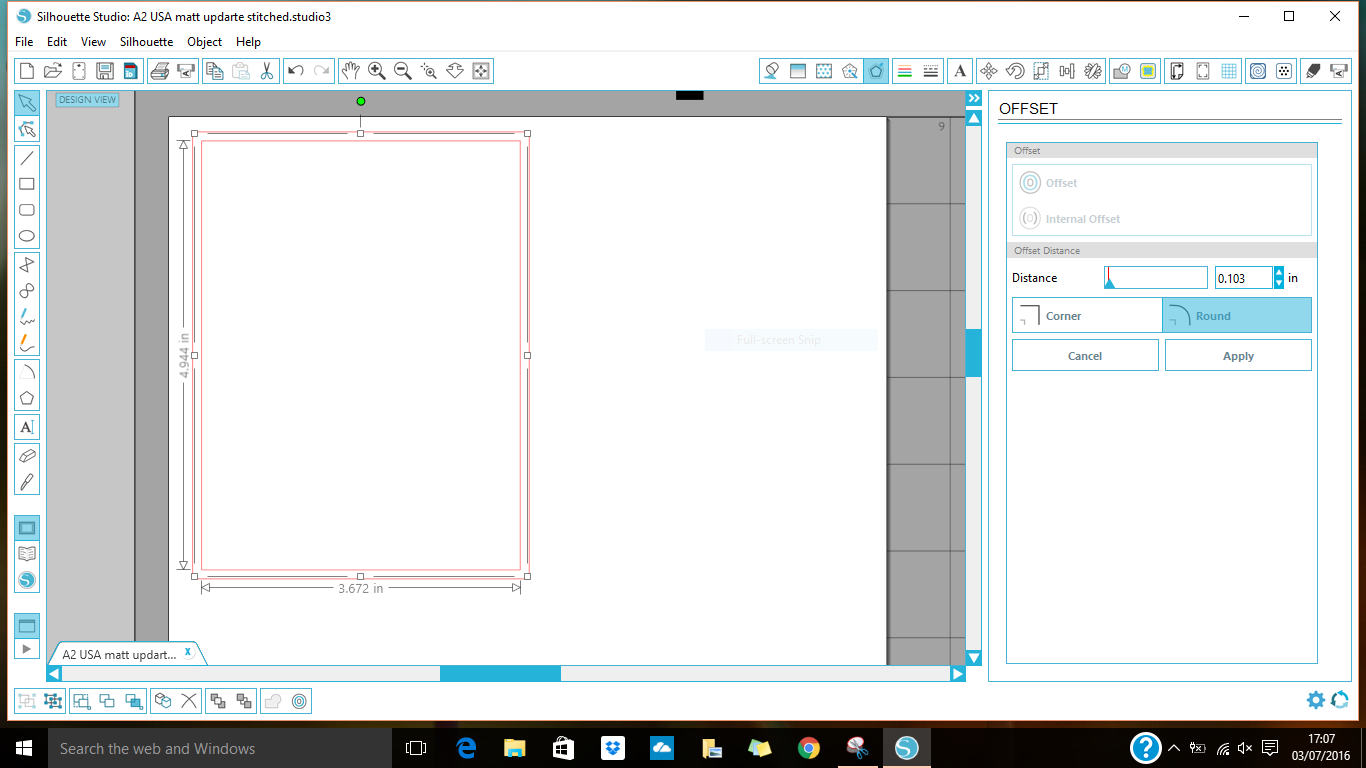
To get the required size for the panel, I usually create rectangle and change the width to 3.692 inch by the height 4.968 inch and click apply and lock aspect.   


Next I click on the internal offset at the distance of 0.103 inch and click corner, so the corners are squared. 


Go into line style and pick the line style you wish to use, I tend to use the one shown above, changing the line distance to 1.7pt and selecting flat in the end cap style box and corner in the corner style box.


Create a box around them all using your mouse, then I click on align center, once this is done I group them together 


Now it's ready to cut on your silhouette cameo, now you can change the design or create nesting panels and frames from this one element and it's certainly a frugal way of crafting without the expense of purchasing extra dies. You can do this all the Silhouette machines including the portrait.

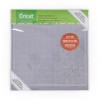
(Top tip - I always use Cricut mats with my silhouette as I do find them a lot more cost effective than the silhouette ones. If your machine is still in warranty, do double check that you want to use the cricut mats as it can invalidate your warranty. My machine is out of warranty so I use these awful lot and even when my machine was in warranty I still used the Cricut mats without any problems)

I hope you find this tutorial helpful, would you like more tutorials like this in future? Is there anything you're struggling with using the silhouette cameo?  


(Click images to be taken the stores where I've purchased items from, I do not use affiliate links )